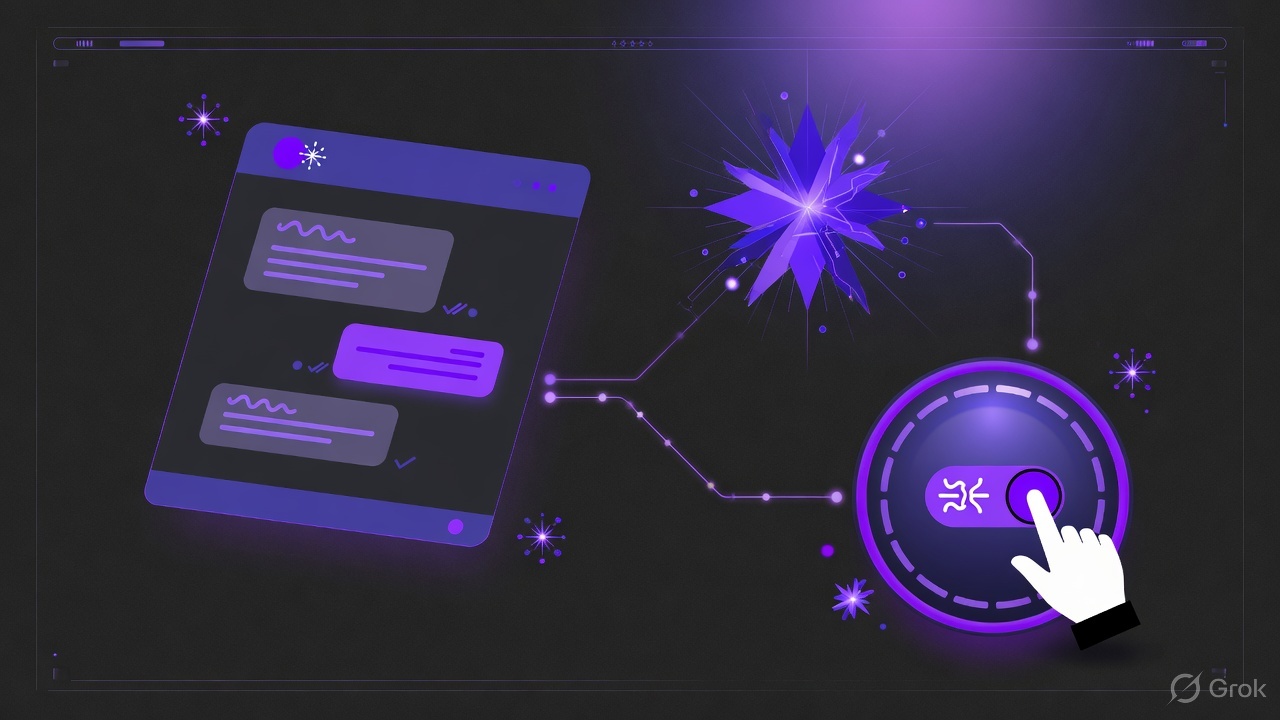
Fully autonomous LinkedIn messaging sounds efficient until a prospect asks a pricing question and gets a generic AI reply. The winning pattern is co-pilot: AI accelerates first touch and follow-ups; humans own judgment calls.
Where AI drafts earn their keep
- First-touch variants grounded in role, company, and ICP notes
- Follow-up sequences that respect daily caps and gaps
- Summarizing long threads before an AE jumps in
- Suggesting next steps after a soft positive reply
Where humans must take the wheel
- Budget, legal, and security questions
- Custom demos, multi-threading, and exec outreach
- Anything that needs tone calibration for a named account
- Closing language and calendar negotiation
Guardrails that keep AI useful
Pair AI copy with account safety: warmup, caps, and telemetry. Bad lists plus aggressive AI is how seats get restricted. Use Company Finder before you scale messages.
Unibox + AI = operator visibility
AI-assisted replies still need a human-facing queue. Route warm threads into Unibox so co-pilots can approve, rewrite, or escalate. Read more in why teams need a Unibox.
Founder vs team motion
Founders often start with one seat and light AI assist. Teams add seats, shared inbox, and stricter playbooks. See the product tour, then deepen outbound craft with safe automation patterns.
Next steps
View pricing to see what ships on Basic today, or book a demo for AI messaging and co-pilot workflows.